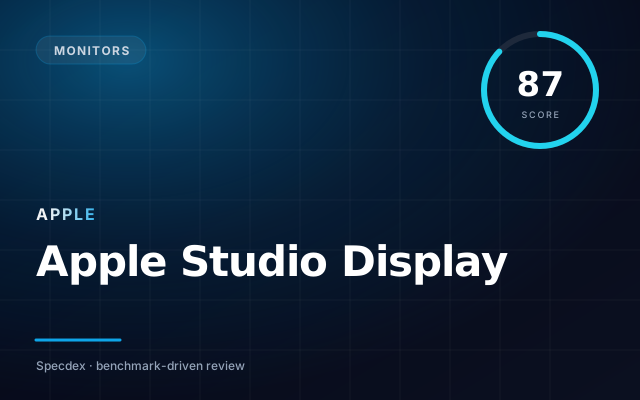
Apple Studio Display
27″ 5K · Retina · Thunderbolt 3
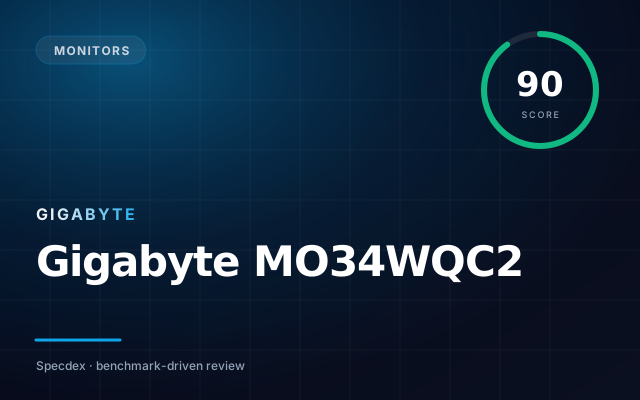
Gigabyte MO34WQC2
34″ ultrawide QD-OLED · 175Hz · DP 1.4
Gigabyte MO34WQC2 takes it — here’s why.
In our weighted Specdex score, Apple Studio Display lands at 87 and Gigabyte MO34WQC2 at 90. That puts Gigabyte MO34WQC2 ahead by 3 points — a narrow margin driven mostly by its strengths in the categories below.
Pick Apple Studio Display if…
- ✓Razor-sharp 218 ppi
- ✓Great color out of the box
- ✓Single-cable dock via TB3
Pick Gigabyte MO34WQC2 if…
- ✓34″ QD-OLED ultrawide at $749
- ✓Dual-mode 1080p @ 350Hz
- ✓Glossy panel reduces grayish tint
Winner by scenario
Derived from the sub-score breakdown · not a separate testPicture quality
Gigabyte MO34WQC2Color accuracy and HDR performance
Gigabyte MO34WQC2 leads on hdr (88 vs 60).
Value for money
Gigabyte MO34WQC2Specdex score per dollar at MSRP
Gigabyte MO34WQC2 more score per dollar ($749 vs $1,599).
Score breakdown
Specs side-by-side
| Spec | Apple Studio Display | Gigabyte MO34WQC2 |
|---|---|---|
| Panel | IPS LCD | — |
| Resolution | ▲ 5120×2880 | 3440×1440 |
| Refresh | 60Hz | — |
| Connectivity | Thunderbolt 3, 3× USB-C | 2× HDMI 2.1, DisplayPort 1.4 DSC, USB-C 18W |
| Display | — | 34″ QD-OLED, 1800R curve |
| Refresh rate | — | 175 Hz native (350 Hz at 1080p dual mode) |
| Response time | — | 0.03 ms (GtG) |
| HDR | — | DisplayHDR True Black 400 |
Apple Studio Display
- +Razor-sharp 218 ppi
- +Great color out of the box
- +Single-cable dock via TB3
- −60Hz only
- −No HDR
- −Webcam mediocre
Gigabyte MO34WQC2
- +34″ QD-OLED ultrawide at $749
- +Dual-mode 1080p @ 350Hz
- +Glossy panel reduces grayish tint
- −No DisplayPort 2.1
- −1800R curve not for everyone
- −OSD joystick fiddly
FAQ: Apple Studio Display vs Gigabyte MO34WQC2
Which is better, Apple Studio Display or Gigabyte MO34WQC2? +
Gigabyte MO34WQC2 scores 90 on our weighted rubric — ahead by 3. Your best pick depends on the sub-scores above.
Is Apple Studio Display worth the price? +
At $1,599, Apple Studio Display delivers a Specdex score of 87 — strongest in color.
Is Gigabyte MO34WQC2 worth the price? +
At $749, Gigabyte MO34WQC2 delivers a Specdex score of 90 — strongest in display.
Does Apple Studio Display or Gigabyte MO34WQC2 last longer? +
Based on our long-term update and support ratings, both ship with multi-year support. Battery and reliability scores are visible in the breakdown above.
Which is better for picture quality, Apple Studio Display or Gigabyte MO34WQC2? +
Gigabyte MO34WQC2 — leads on hdr (88 vs 60). Color accuracy and HDR performance.
Which is the better value, Apple Studio Display or Gigabyte MO34WQC2? +
Gigabyte MO34WQC2 — more score per dollar ($749 vs $1,599). Specdex score per dollar at MSRP.